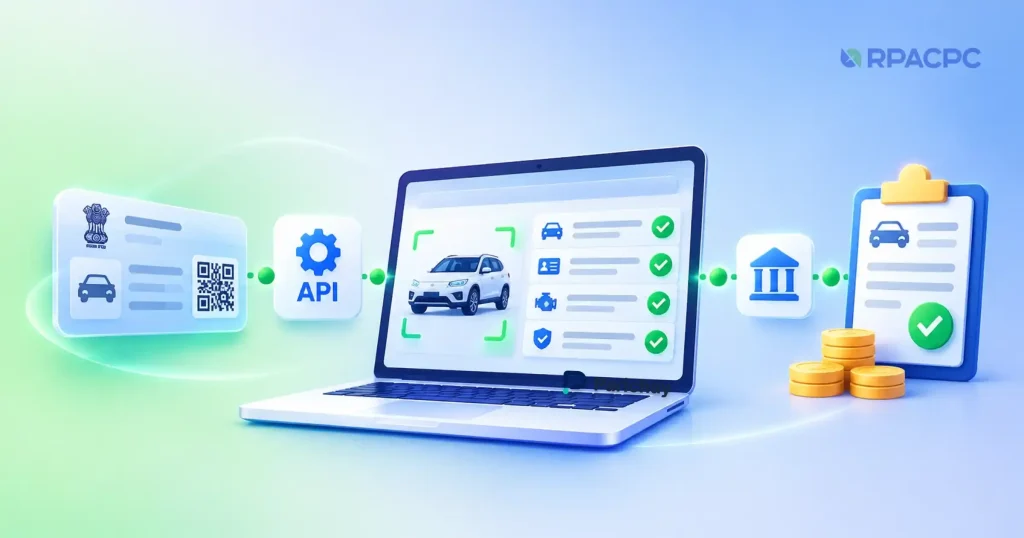
Establish an authenticated session for RPACPC E-Invoice API operations using an OTP-based authentication workflow. Request an OTP, exchange it for an authentication token, and refresh the token to continue the session.
The RPACPC E-Invoice Authentication API provides a three-step workflow for authentication and token management.
The workflow begins with an OTP request using a username. The OTP is then submitted to obtain an authentication token and associated session information. When token refresh is required, the refresh endpoint is called using the username to continue the session.
The API response may include the following information, depending on the response received:
Initiate the authentication process using the configured username and submit the received OTP for token generation.
Authentication token and associated session information returned by the token-generation endpoint.
Username-based refresh request to continue the authentication session according to the supported workflow.
Status information returned by the authentication and OTP request endpoints.
Identifiers used to track authentication requests and transactions.
Request and response timestamps for monitoring API transaction timing.
Submit the configured username to the OTP Request API to initiate the E-Invoice authentication workflow.
Submit the username and received OTP to the Authentication Token API to obtain the authentication token, expiry value, SEK, and transaction details.
Call the Refresh Token API with the username when a token refresh is required, following the supported session workflow.
Use the returned authentication details according to the requirements of supported E-Invoice operations, such as Search IRN, Generate IRN, and Cancel IRN.
| Parameter | Type | Description |
|---|---|---|
| username | String | Username used for authentication. |
| otp | String | OTP received during the authentication process. |
{
"username": "YOUR_USERNAME"
}
| Parameter | Type | Description |
|---|---|---|
| status_cd | String | Status code returned by the OTP request API. |
| request_id | String | Identifier associated with the API request. |
| sequence_id | String | Sequence identifier for transaction tracking. |
| request_time | String | Timestamp when the request was made. |
| response_time | String | Timestamp when the response was returned. |
{
"status_cd": {
"status_cd": "1",
"auth_token": "30431124-5cbd-4045-9840-4ebb18d70265",
"expiry": 360,
"sek": "IaxLuJcsqILZuYQX828ITxXlrRUM1ebdEIaqEXnlaK+xK/U7ZuM5xAayg7RB7mWp"
},
"request_id": "SAMPLE-REQUEST-ID",
"sequence_id": "SAMPLE-SEQUENCE-ID",
"request_time": "2026-01-09T18:23:32.731Z",
"response_time": "2026-01-09T18:23:33.259Z"
}
Confirm the unit and interpretation of expiry, and the intended use of sek, against the integration specification. The sample alone does not establish their complete semantics.
Establish the authentication workflow required before invoking supported E-Invoice operations.
Obtain authentication details and refresh the token as required by the supported session workflow.
Incorporate the authentication steps into an application that communicates with RPACPC E-Invoice services.
Use the refresh endpoint to continue the authentication session according to the documented refresh process.
Manage authentication as a distinct step in the integration with Search IRN, Generate IRN, and Cancel IRN APIs, subject to each endpoint's authentication requirements.
Common questions about the E-Invoice Authentication API — what it returns, how fast it is, and how to integrate.
Learn how a Vehicle Verification API for Loan Processing helps lenders verify vehicle details, reduce risks, and speed up loan approvals.
Read More
Empower your applications with India's Enterprise Verification Intelligence Platform for faster, more reliable verification.